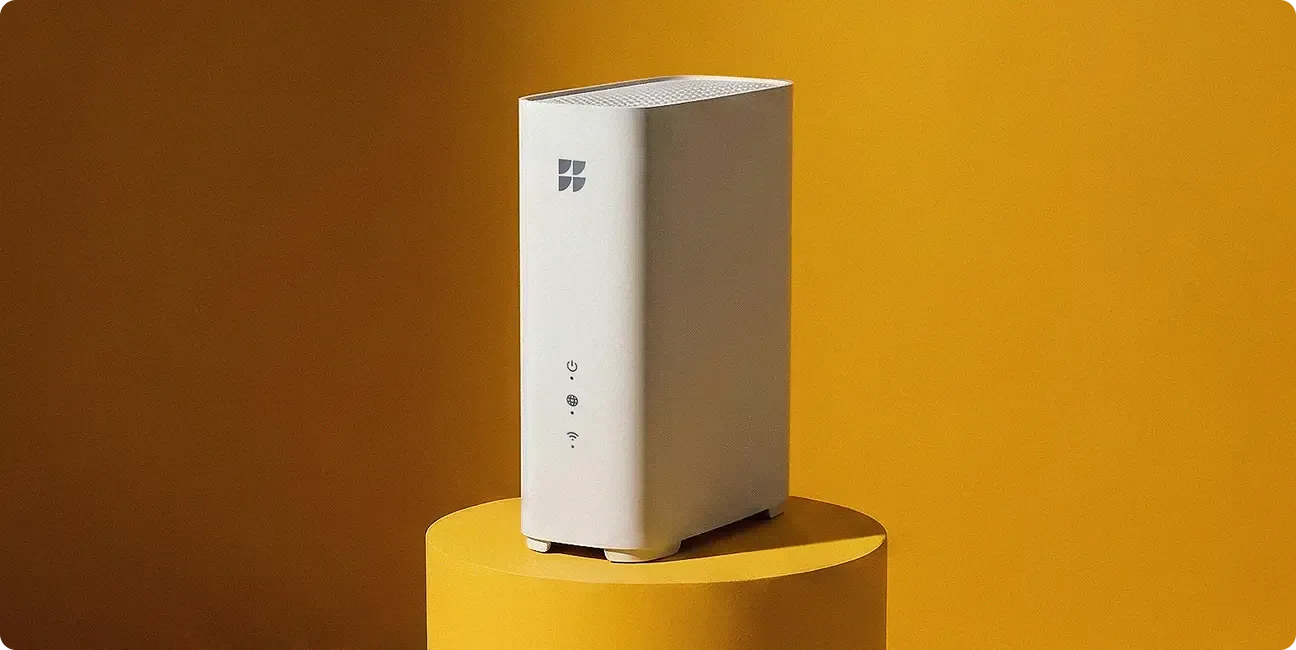
Now featuring Wi-Fi 7:
Our most powerful Wi-Fi, ever.

Multi-gig. Instant response. Even over wireless.
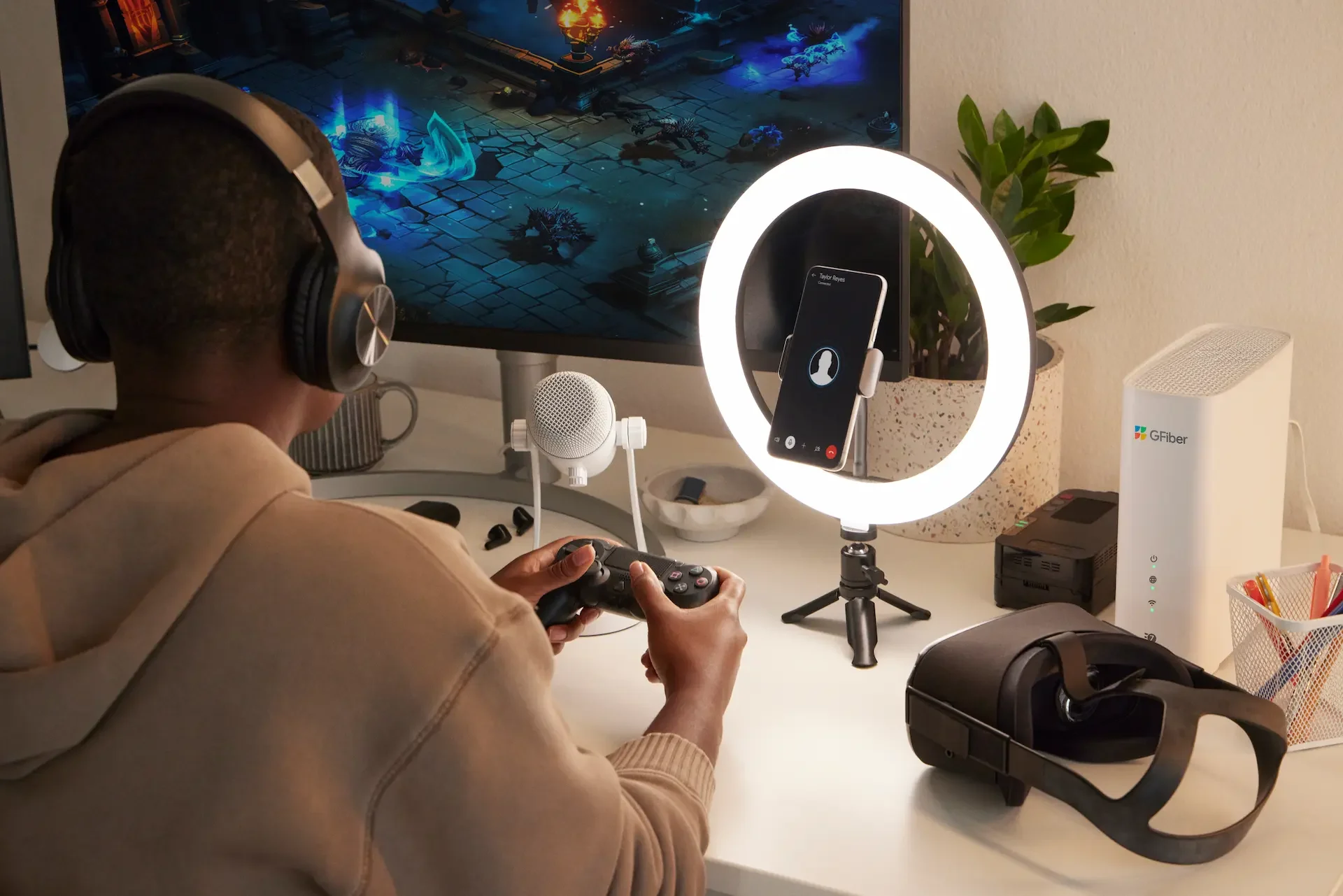
Wifi page Hero

Introducing WiFi 7

Custom engineered for GFiber. The new era of in-home Wi-Fi.

Up to 4x faster

Wireless speeds up to 4x faster than Wi-Fi 6

Bigger data capacity

More lanes—wider and stronger—for better data flow to even more devices

Wall-to-wall multi-gig

Mesh system with MLO for multi-gig speed even in the back bedroom

Near zero lag

Smart traffic flow for near zero lag and homes full of devices online at once

At GFiber, the best tech and best service comes standard
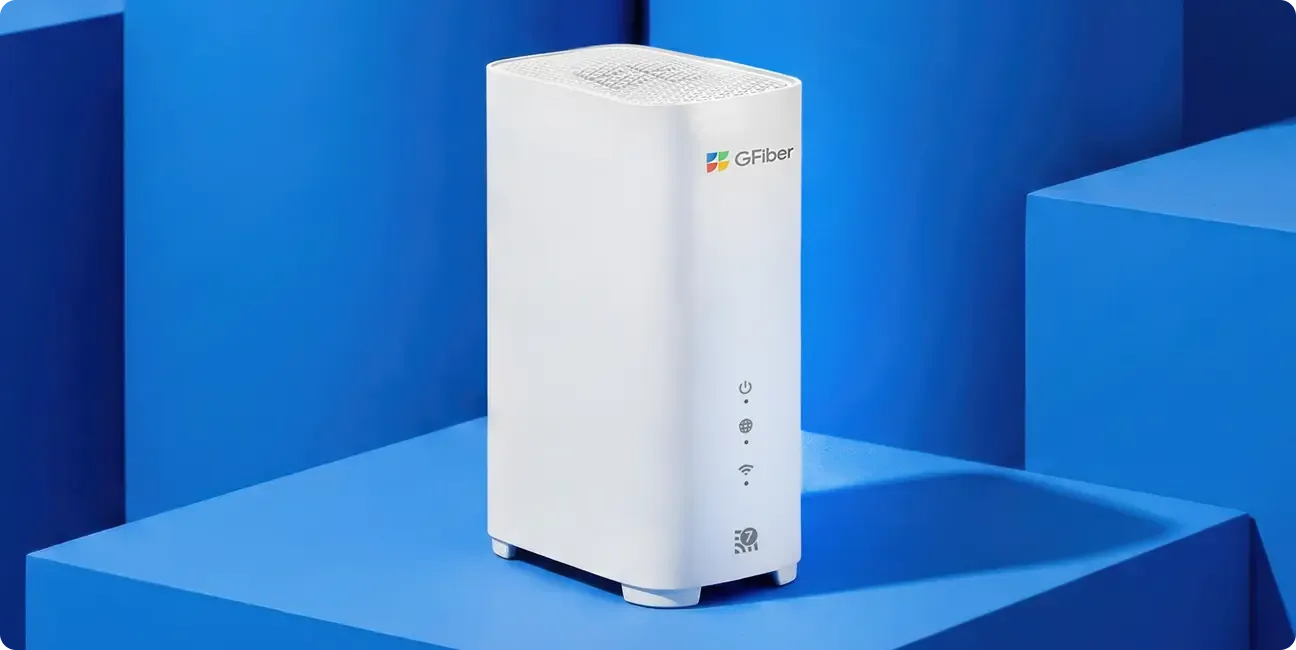
Wi-Fi 7 router

New

GFiber Wi-Fi 7 Router

Wired speed up to 8 gig and wireless up to 3.4 gig, up and down
10-Gig and multiple 2.5-Gig ethernet ports
Best-in-class security with WPA3 mesh option for all Wi-Fi bands

Standard with Home and Edge

Home 3 GigEdge 8 gig
Tech specs
GFiber Wi-Fi 6E RouterGFiber Wi-Fi 7 Router
TechnologyWi-Fi 6EWi-Fi 7
StandardWi-Fi 6E (802.11ax)Wi-Fi 7 (802.11be)
Frequency bands
  • 2.4 GHz
  • 5 GHz
  • 6 GHz
  • 2.4 GHz
  • 5 GHz
  • 6 GHz
  • Multi-Link
Antenna4x4 (2.4 GHz)
4x4 (5 GHz)
4x4 (6 GHz)
4x4 (2.4 GHz)
4x4 (5 GHz)
4x4 (6 GHz)
Max PHY Rate9.6 Gbps46 Gbps
Range (router only)Up to 2,000 sq ftUp to 2,000 sq ft
Range (mesh, 1 extender)Up to 5,000 sq ftUp to 5,000 sq ft
Mesh compatibleTrueTrue
Security optionUp to WPA3Up to WPA3
Number of ethernet ports5 (4 LAN, 1 WAN)5 (4 LAN, 1 WAN)
WAN port1 x 10 Gig Ethernet1 x 10 Gig Ethernet
LAN port (router)
  • 1 x 10 Gig Ethernet
  • 3 x 2.5 Gig Ethernet
  • 1 x USB A port
  • 1 x 10 Gig Ethernet
  • 3 x 2.5 Gig Ethernet
  • 1 x USB C port
MLO Support
  • -
  • Dual-band (5 GHz and 6 GHz)
MIMO
  • Up to 8x8
  • Up to 16x16
Max channel size
  • 160 Mhz
  • 320 Mhz
Modulation
  • 1024-QAM
  • 4096-QAM
Resource Unit (RU)
  • RU
  • Multi-RU
Parental controlsLaunchedLaunched
Router dimensions
  • 9.1" (h) x 3.3" (w) x 7.8" (d)
  • 9.1" (h) x 3.3" (w) x 7.8" (d)
Power adapter dimensions
  • 4" (h) x 2.5" (w) x 1.5" (d)
  • 3" (h) x 1.25" (w) x 2.5" (d)
Wi-Fi 6E router

GFiber Wi-Fi 6E Router

Wired speed up to 8 gig and wireless speeds up to 1.6 gig, up and down
Additional 6 GHz band
4x4 antenna array, for stronger signal across more devices
Coverage up to 5,000+ sq ft with mesh extender

Standard with Core

Core 1 Gig
Tech specs
GFiber Wi-Fi 6E RouterGFiber Wi-Fi 7 Router
TechnologyWi-Fi 6EWi-Fi 7
StandardWi-Fi 6E (802.11ax)Wi-Fi 7 (802.11be)
Frequency bands
  • 2.4 GHz
  • 5 GHz
  • 6 GHz
  • 2.4 GHz
  • 5 GHz
  • 6 GHz
  • Multi-Link
Antenna4x4 (2.4 GHz)
4x4 (5 GHz)
4x4 (6 GHz)
4x4 (2.4 GHz)
4x4 (5 GHz)
4x4 (6 GHz)
Max PHY Rate9.6 Gbps46 Gbps
Range (router only)Up to 2,000 sq ftUp to 2,000 sq ft
Range (mesh, 1 extender)Up to 5,000 sq ftUp to 5,000 sq ft
Mesh compatibleTrueTrue
Security optionUp to WPA3Up to WPA3
Number of ethernet ports5 (4 LAN, 1 WAN)5 (4 LAN, 1 WAN)
WAN port1 x 10 Gig Ethernet1 x 10 Gig Ethernet
LAN port (router)
  • 1 x 10 Gig Ethernet
  • 3 x 2.5 Gig Ethernet
  • 1 x USB A port
  • 1 x 10 Gig Ethernet
  • 3 x 2.5 Gig Ethernet
  • 1 x USB C port
MLO Support
  • -
  • Dual-band (5 GHz and 6 GHz)
MIMO
  • Up to 8x8
  • Up to 16x16
Max channel size
  • 160 Mhz
  • 320 Mhz
Modulation
  • 1024-QAM
  • 4096-QAM
Resource Unit (RU)
  • RU
  • Multi-RU
Parental controlsLaunchedLaunched
Router dimensions
  • 9.1" (h) x 3.3" (w) x 7.8" (d)
  • 9.1" (h) x 3.3" (w) x 7.8" (d)
Power adapter dimensions
  • 4" (h) x 2.5" (w) x 1.5" (d)
  • 3" (h) x 1.25" (w) x 2.5" (d)

How fast can you go?

Your max Wi-Fi speed depends on the devices you are using. See what speed to expect from them:

Based on this device, you can expect speeds between

Near router
-
0
1
2
3
4
5
6
7
8
9
-
0
1
2
3
4
5
6
7
8
9
-
0
1
2
3
4
5
6
7
8
9
-
0
1
2
3
4
5
6
7
8
9
Mbps
Room away from router/extender
-
0
1
2
3
4
5
6
7
8
9
-
0
1
2
3
4
5
6
7
8
9
-
0
1
2
3
4
5
6
7
8
9
-
0
1
2
3
4
5
6
7
8
9
Mbps

Wired internet is the fastest, but you can get up to multi-gig speed over Wi-Fi with GFiber. Speeds vary based on the devices you use, distance from your router or extender, and product you have.7

What you get with GFiber Wi-Fi

Wi-Fi 6E and 7 both feature

Network control in the palm of your hand

Manage your network and account, all in an easy-to-use app.

Router flexibility

Have a router you already love? You can use it with any GFiber product.

A network for guests

Give visitors their own, separate Wi-Fi network and password, not yours. It’s like a guest room for your Wi-Fi.

WPA3 security option

Want the latest in network encryption? Turn it on at any time.

Get the best speeds on your devices

Just like Wi-Fi routers, your connected devices were built on a Wi-Fi standard, which impacts the speeds you’ll receive.

Want to get the most out of your connected tech? Here’s a chart to help check your device capabilities.

Check Wi-Fi compatibility
What’s next for Wi-Fi?
Wi-Fi - What’s next for Wi-Fi? - image
You’re asking the right question. In fact, it’s the same question we ask ourselves at GFiber all the time. While we’re jam-packed with the latest in Wi-Fi technology now, we’re leading the industry in engineering the future of internet tech.That means we’re always looking ahead to what the next generation of Wi-Fi will be— and what could be.
Go to the GFiber Labs
Wi-Fi - What’s next for Wi-Fi? - image
FAQs


Wi-Fi 7 is a breakthrough in wireless technology that changes how your home handles the internet. While it includes the advances of Wi-Fi 6 and 6E, Wi-Fi 7 takes a giant leap beyond them.  While older Wi-Fi versions can only talk to your devices using one band at a time, Wi-Fi 7 uses multiple bands simultaneously. This smarter traffic management creates a connection so stable that, for the first time, you can get multi-gig wireless performance across your home — with speeds up to 3.4 gigabit over wireless.Because standard-issue routers can’t always handle the true power of our network, we had our Wi-Fi 7 hardware custom-built to go above and beyond. It’s packed with professional-grade features, including a 10 Gig port and three multi-gig ports, to ensure your wireless signal keeps up with the massive speed of our Home 3 Gig and Edge 8 Gig products.Wi-Fi 6E takes the solid foundation of Wi-Fi 6 and "extends" it — hence the "E." It opens up a third 6 GHz band, giving your newer devices a dedicated, clear space to connect. This moves your data away from the signal noise of older gadgets and your neighbors’ routers, ensuring your everyday connection stays smooth and steady. Refer to the chart below for a quick look at the differences between all of the frequency bands.Wi-Fi Technologies
Wi-Fi 5 Uses 2.4 GHz and 5 GHz frequency bands Up to 500 Mbps on a modern smartphone
Wi-Fi 6 Uses 2.4 GHz and 5 GHz frequency bands Up to 800 Mbps on a modern smartphone Up to 50% faster than Wi-Fi 5 Supports more devices at a greater distance than previous generations
Wi-Fi 6E Introduced a third frequency band for Wi-Fi  in the 6GHz range Has the least congestion compared to Wi-Fi 5 and Wi-Fi 6 More than 1 Gbps on a Wi-Fi 6E smartphone Supports more devices across peak times than previous generations
Wi-Fi 7 Multi-gig wireless speeds Optimized use of bandwidth reduces delays for real-time responsiveness. Wider channels allow for much more data traffic across multiple compatible devices at max speeds


Wi-Fi uses radio waves to send and receive signals from your wireless router. These radio waves connect your devices to the internet. Wi-Fi transmits at frequencies of 2.4 GHz and 5 GHz — and now, with Wi-Fi 6E and Wi-Fi 7, 6 GHz. Generally, the higher the frequency, the faster the data transmission. You can learn more about Wi-Fi bands here.


Wired internet is generally faster, allowing you to get the highest speeds available, but it’s not always possible or practical to plug in many devices (think of how many cables you would need!). And, some devices may not be capable of going as fast as your internet can, even if you could plug them in.Keep in mind, our upload and download speed claims are always based on maximum wired speeds. Internet speeds are not guaranteed and may vary based on factors such as hardware and software limitations, latency, packet loss, etc.


A wireless router is what lets your wireless devices connect to the internet. With a traditional router, all wireless traffic on your devices rely on that single point of access (the router) — instead of the multiple points you’d get with a mesh network. The reach of a traditional router is limited by the size of the antennas, and walls can often get in the way of the signal. You can use an extender to give you more “reach,” but it may not always cover some corners of your home.


You can connect to the internet either wired or wirelessly. A wired connection requires an ethernet cord to connect your device directly to the internet. A wired connection will generally allow you to get the maximum speed available at your home, which means it will usually be faster.Wi-Fi (or a wireless connection) allows you to connect Wi-Fi-enabled devices to the internet without cables. Instead, you use a wireless router. Wi-Fi can sometimes have interferences that may slow down the speed of your connection.


A mesh network uses multiple access points (extenders) that communicate with each other to give your whole home seamless Wi-Fi coverage. A mesh network provides you with further reach than you’d get with a single traditional router. Every gigabit and multi-gigabit GFiber plan comes with mesh Wi-Fi.

Stay in touch with us.